



Alternate Text

Book Now. Pay over time

Spread the cost of your trip over low monthly payments

Flexible payments for your next trip

With Flex Pay, you can make thoughtful purchases now and stay on budget with simple, monthly payments.

Low Monthly Payments

Choose the loan option that works
best for your budget

Surprise-free

Simple fixed payments with no late fees
or prepayment charges

No hard credit check

Check your eligibility with no impact to your credit score

How Flex Pay works

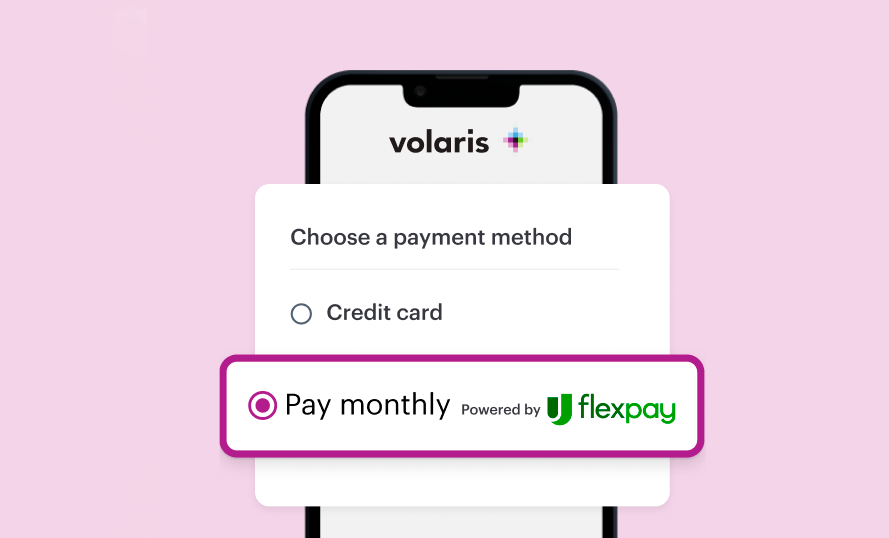
Select Flex Pay at checkout
Pick your itinerary and select Flex Pay as your payment method to apply with ease.

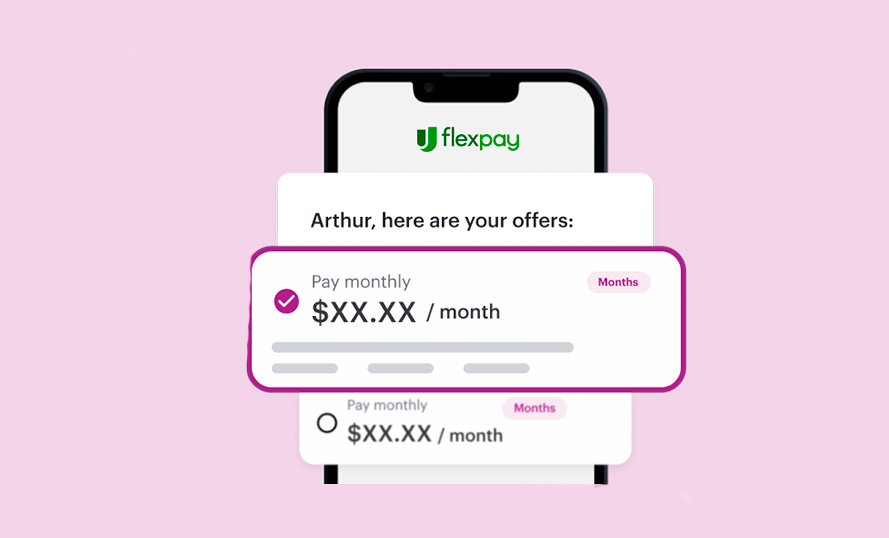
Choose your payment plan
If approved, select the monthly payment plan and checkout to complete booking.

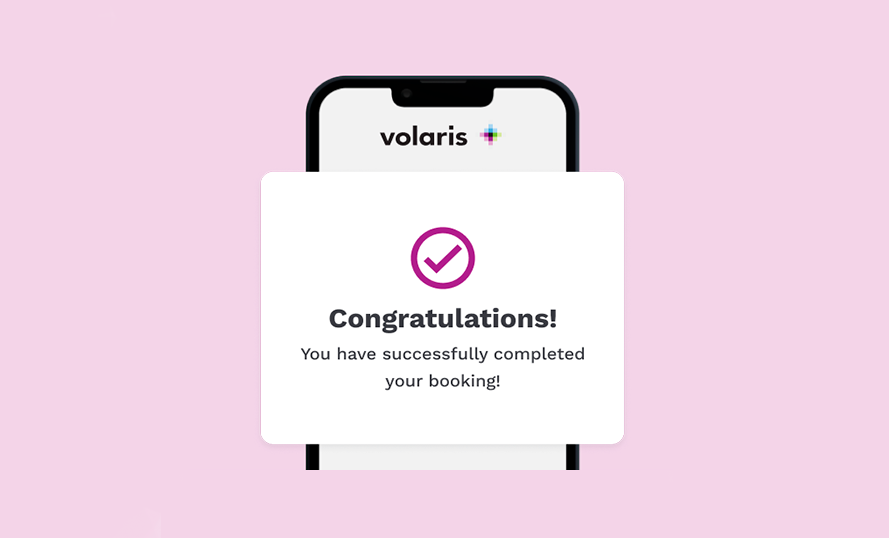
Complete your booking
Enjoy your trip! You can easily set up autopay so you never miss a payment.

Frequently asked questions

Flex Pay is a buy now, pay later product by Upgrade that gives you the freedom to purchase what you want now and pay over time with simple monthly payments. Some plans include interest while some are interest-free.

Upgrade is a financial technology company, not a bank, that provides affordable, responsible credit through its lending partners.

When you are ready to checkout, simply select Flex Pay as your payment method. To apply, you’ll need to be at least 18 years old and provide some basic information:

- Your mobile number

- Date of birth

Your Social Security Number - if you are a US resident

If you're approved, finish checking out to complete your purchase. Note, residents in Iowa, West Virginia, or D.C. are not eligible to use Flex Pay.

Upgrade’s lending partners look at a number of factors, including your credit information, purchase details, and more to determine Flex Pay loan terms. If you have questions about your payment plan, please visit your Upgrade account via the app or online or contact us at customercare@upgrade.com or call us at (844)-257-5400 Monday - Friday, 5:00 AM to 7:00 PM PT. Saturday - Sunday, 6:00 AM to 5:00 PM PT

You have the flexibility to make payments in a number of different ways.

View your Upgrade account online or in the App and review your upcoming installments under the “Loans” tab in your account.

Set up auto-pay or, for one-time payments that you’ll make each month, you can:

- Pay online in your dashboard

- Pay by mail: send a personal check, cashier’s check, or money order

To manage your loan through Flex Pay, you'll first need an Upgrade account. If you're new to Upgrade, you can create your account here to get started.

Yes! Once you receive booking confirmation from the merchant, you’re free to travel whenever - even before you’re all paid off. Flex Pay will also send you a confirmation with your payment plan details.

Any changes or cancellations made by the merchant or the traveler will be subject to the merchant’s terms and conditions.

Down payment may be required. Actual terms are based on your credit score and other factors and may vary. APRs range from 0% to 36%. Minimum $49 purchase required. Not everyone is eligible. Loans made through Flex Pay by Upgrade are offered by these  lending partners: Flex Pay Lenders Privacy Policy. Terms of Use. Upgrade, Inc. (NMLS #1548935) holds the following state licenses and does business under the following DBAs. 275 Battery St 23rd floor, San Francisco, CA 94111